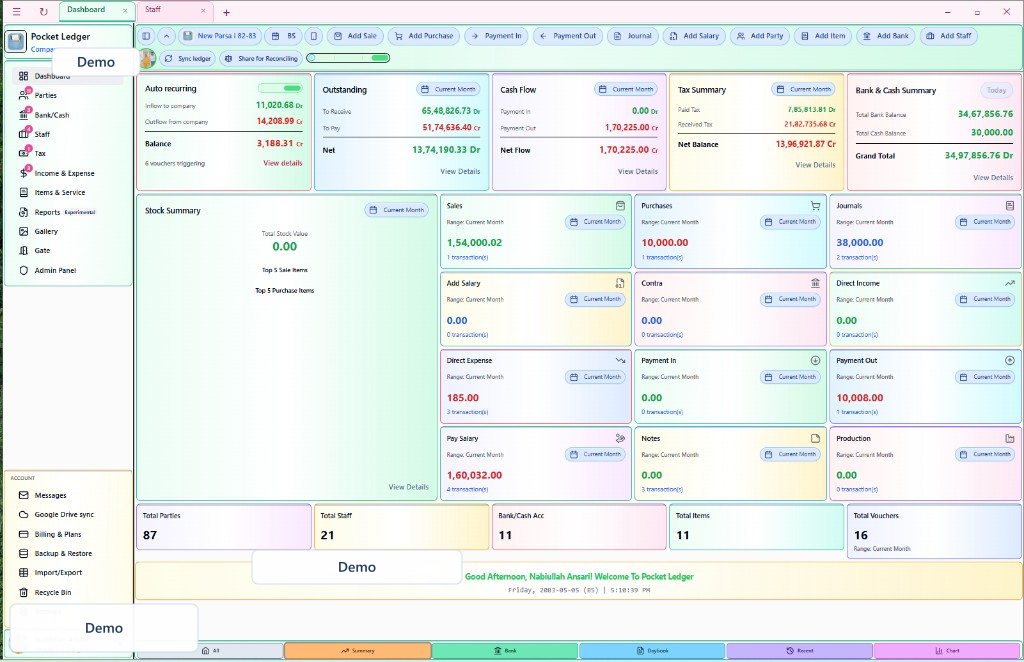
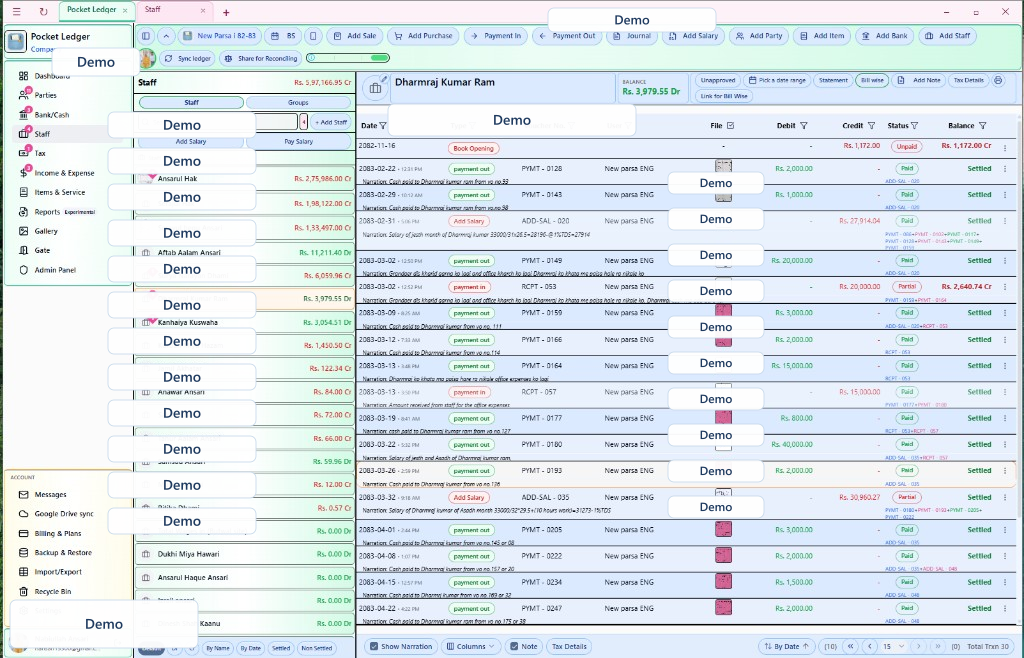
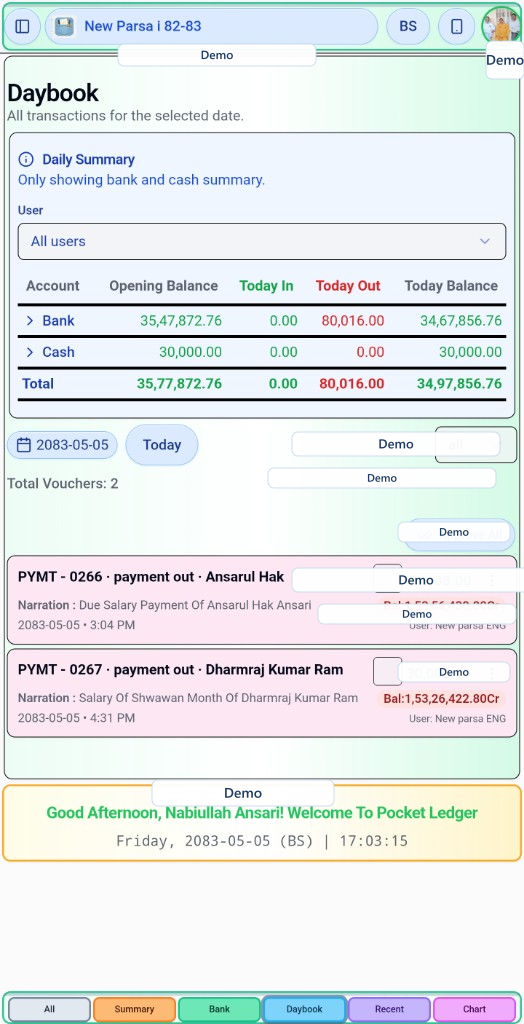
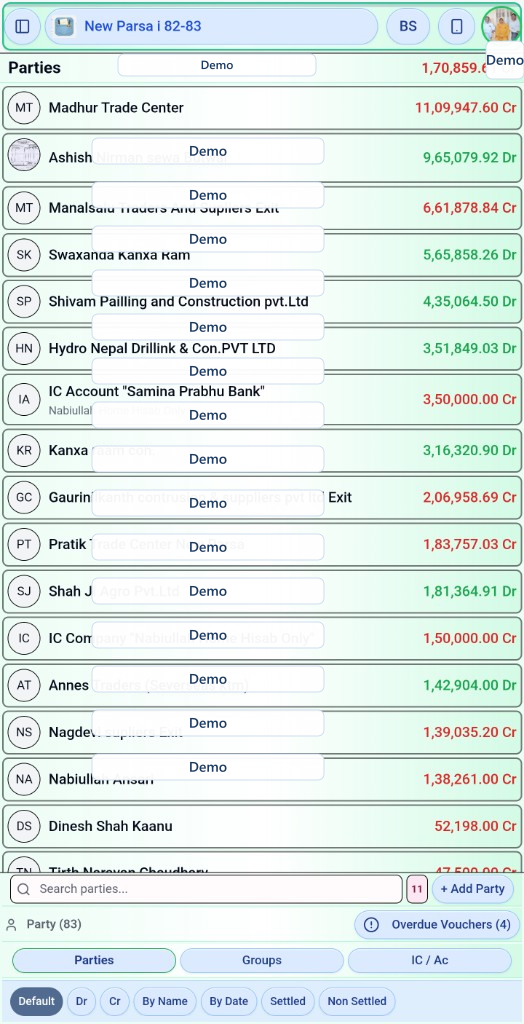
Works on desktop, tablet and phone

One ledger. Every screen.

Same books on Windows EXE, Android APK, and the web app. This site is for visitors — your accounts open only from Go to App.

pocket-ledger.com = website · pocket-ledger.com/app = application
Windows EXE Android APK Web app Local / PL Server Cloud sync
Your books, your devices

Keep the ledger on your phone and PC — not on someone else’s server

Many business owners hesitate to move accounts online because the risks feel real: books sitting on a remote server you do not control, bill photos uploaded to unknown storage, one wrong click or one breach and years of party balances and tax records could be copied, leaked, or held hostage. Pocket Ledger is built for teams who want modern multi-device work without handing the crown jewels to a faceless cloud.

Your PC can be your server — at home or on a VPS

Pick one Windows PC (or a small machine you control), turn on PL Server, and that box becomes your owned server — not ours, not a shared SaaS pool. Keep it under your desk at home, in the back office, or on a VPS you rent; the books and attachments stay on storage you chose. Staff open Pocket Ledger on any laptop, desktop, tablet, or phone — in the shop, at home, or travelling — and work as if it were online, while the master copy remains on your machine. Remote access, local safety: your data on your PC, your rules, your backup.

Local-first by default

Your company data lives in a database on your Windows PC, Android phone, or tablet — the same device you already trust for WhatsApp, photos, and daily work. Open the app, enter vouchers, run reports: the books are physically with you, not pooled in a shared SaaS bucket next to thousands of strangers.

Attachments stay under your control

Scans and camera captures are stored as part of your company backup on your machine (or on storage you choose). You are not forced to push every invoice image to a public upload pipeline just to keep working. Fewer unknown copies means fewer places for data to leak.

Multi-device without surrendering ownership

Need the counter on a phone and the accountant on a desktop? Host PL Server on your PC (home or VPS), share companies on your LAN or over the internet, and let every device stay in sync — or use Google Drive you already own. Optional cloud company only when you explicitly want it. Same ledgers on every screen; the file still answers to you.

No “wrong hands” by design

We do not monetise your transaction history. We do not train models on your party names. Your backup file (.plbp) is yours to copy to a USB, NAS, or safe — restore anywhere, anytime. If a device is lost, your data does not automatically scatter across the internet; it stays where you put it until you decide otherwise.

Bottom line: one PC as your private server — home or VPS — books on your disk, team on any device, remote like online without giving your ledger to a stranger’s cloud. Less fear of servers. Less fear of risky uploads. More confidence that your numbers stay in the right hands: yours.

Same data, three form factors

Use the marketing site here. Open books only under /app.

PC

Desktop

Full voucher grid, reports and multi-company work on a wide screen.

TB

Tablet

Counter-friendly view for daybook, quick entry and approvals.

MB

Mobile

On-the-go entry, attachments from camera, and balance checks.

App features

What you get inside Pocket Ledger (web, Windows EXE, and Android APK).

  1. Multi-company booksCreate and switch companies without mixing ledgers.
  2. Sale vouchersInvoice sales with party, items, tax and narration.
  3. Purchase vouchersRecord supplier bills and purchase returns flow.
  4. Payment InReceive money against parties and open bills.
  5. Payment OutPay suppliers and settle outstanding purchases.
  6. Receipt & paymentCash/bank movements tied to party balances.
  7. ContraMove funds between cash and bank accounts.
  8. Journal entriesManual debit/credit adjustments when needed.
  9. Inter-company vouchersTransfer between your own companies with linked books.
  10. Bill-wise linkingAllocate receipts/payments to specific invoices.
  11. Edit lock when linkedLinked vouchers stay protected so allocations stay correct.
  12. Party mastersCustomers and suppliers with contact and balance views.
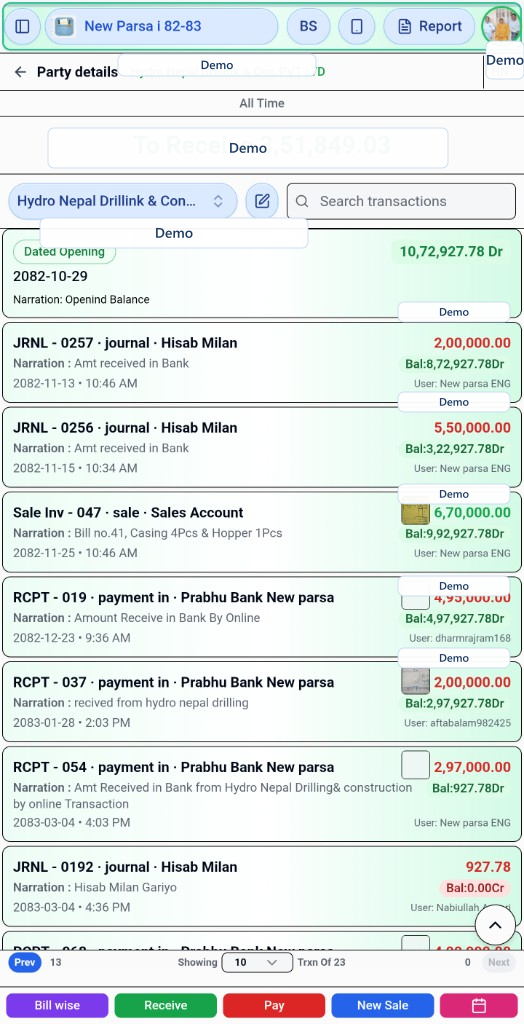
  13. Party ledgerRunning balance and voucher history per party.
  14. Bank & cash accountsTrack multiple bank and cash books in one place.
  15. Staff mastersKeep staff records for salary and operations.
  16. Tax setupConfigure tax rates used on vouchers and reports.
  17. Items / stock catalogMaintain items for sale and purchase lines.
  18. DaybookSee today’s (or any day’s) vouchers in one list.
  19. Dashboard KPIsSale, purchase, payment and cash movement at a glance.
  20. Reports suiteLedgers, daybook and business reports from the same data.
  21. Voucher search & filtersFind entries by party, type, date or voucher number.
  22. Attachment uploadAttach bills, scans and photos to vouchers.
  23. Camera capture (mobile)Snap documents on phone and link them to entries.
  24. Image previewOpen attachments clearly without leaving the voucher.
  25. PDF portal previewSharp first-page PDF preview in the attachment portal.
  26. Attachment galleryBrowse company attachments in one place.
  27. Local-first dataBooks stay usable on device; sync is optional.
  28. Online company syncLive Firebase sync for companies you keep in the cloud.
  29. Cloud attachment syncStorage-backed files for online companies.
  30. PL Server (LAN share)Share selected companies on your local network.
  31. PL Server live deltaHost and clients stay updated with change-only sync.
  32. Backup & restore (.plbp)Portable company backup with attachments.
  33. Auto backup schedulerSchedule recurring local backups from settings.
  34. Windows EXE installDesktop installer for offline-friendly office use.
  35. Android APKNative Android build for shop-floor and field entry.
  36. Web app under /appBrowser access with the same product surface.
  37. Release update checkEXE/APK can prompt when a newer published build exists.
  38. Versioned downloadsPick latest or recent prior EXE/APK from Downloads.
  39. Settings & preferencesCompany, sync, backup and display controls in one area.
Learn & events

How to use Pocket Ledger

Tutorials, learning clips and event videos from YouTube, Facebook and TikTok.

Loading videos…

Plans & pricing

Choose the plan that fits your books

Live prices and included features from Pocket Ledger billing. Updates made by the Super Admin appear here automatically.

Preparing live plan comparison…

Taxes and payment options are confirmed inside the app before checkout.

Open your books from any device

Website stays public. App starts at /app.

Go to App →